Web DevelopmentOctober 10, 2025
Minecraft Server Hosting
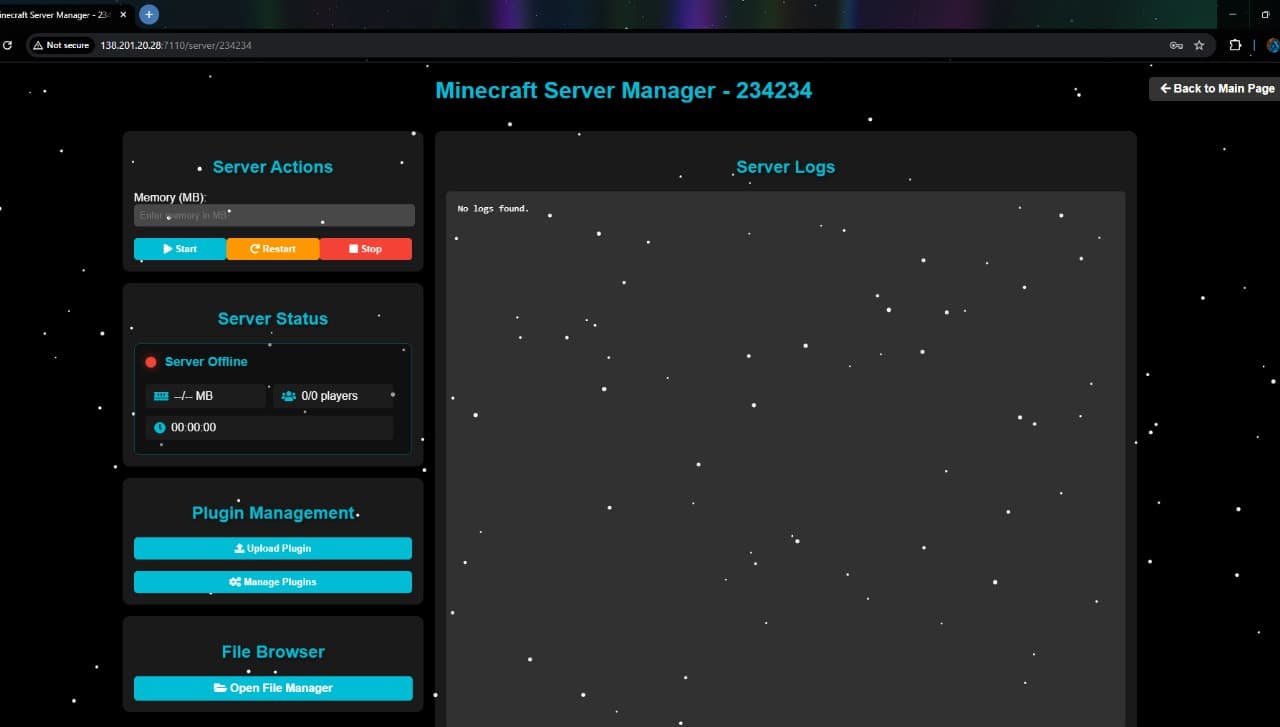
Sign up and log in to create a Minecraft server from the dashboard by naming it, selecting a version, and setting a password. Use the password to access the management page, where you can start, stop, or restart the server, choose memory allocation, view live stats like player count, uptime, and memory usage. Add and manage plugins, and use the file manager to edit, compress, delete, or rename files. The site is built with HTML/CSS, uses JS for UI functions, and Python with Flask for backend server management.
- Category
- Web Development
- Stack
- Team
- Zain Ul Abideen, Ubaid Bin Waris, Safiullah Abbasi
Project Description
This project involved developing a complete web-based platform that allows users to create and manage their own Minecraft servers directly from a user-friendly dashboard.
Users can sign up and log in to access the dashboard, where they can:
- Create a new server by naming it, selecting the desired Minecraft version, and setting a secure password.
- Access the management page using their password to:
- Start, stop, or restart the server.
- Allocate memory based on system capacity.
- View live stats such as player count, uptime, and memory usage.
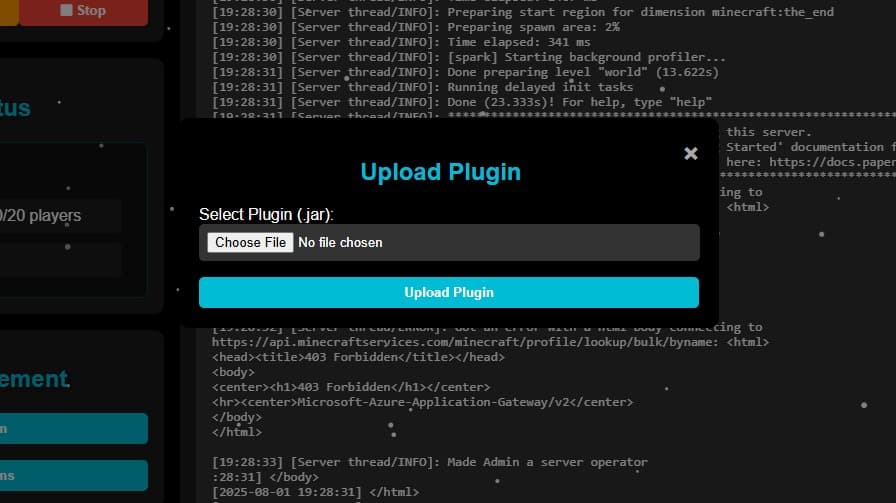
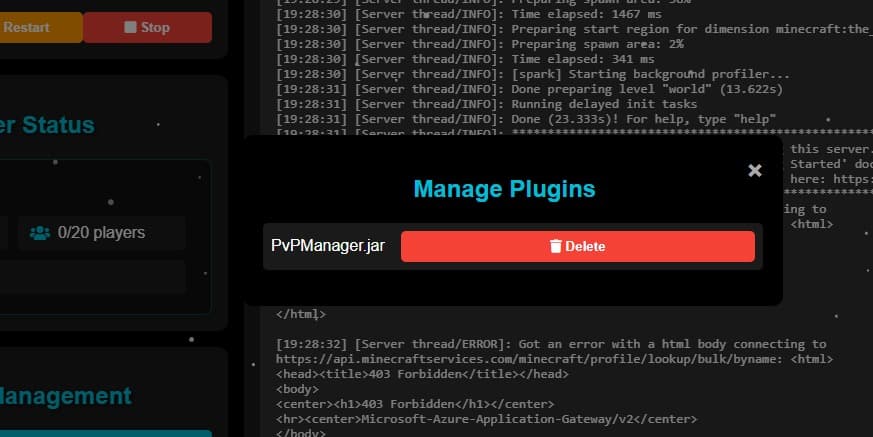
- Add, edit, or remove plugins for enhanced gameplay.
- Use the built-in file manager to edit, compress, delete, or rename files.
The platform was built using:
- HTML/CSS for the user interface.
- JavaScript for client-side interactivity and dynamic UI updates.
- Python (Flask) for backend server management and API integration.
Skills & Deliverables
Web Hosting
User Authentication
Plugin Customization
Network File System Implementation
Server & Virtualization Software